
Sell, support and market on WhatsApp — from one inbox.
Swiffer turns WhatsApp into a full revenue channel: a shared team inbox, CRM pipeline, AI chatbots, broadcast campaigns and a product catalog — on infrastructure you own.



-64%
after AI routing and canned replies
Sales · 12 open
Support · 4 open
Billing · 0 open
One timeline for every conversation your customers start
Retire the four-tool WhatsApp stack.
Most teams bolt a chatbot onto a helpdesk, export contacts into a CRM, then pay a fourth vendor to send campaigns. Swiffer collapses that into one platform with one database.
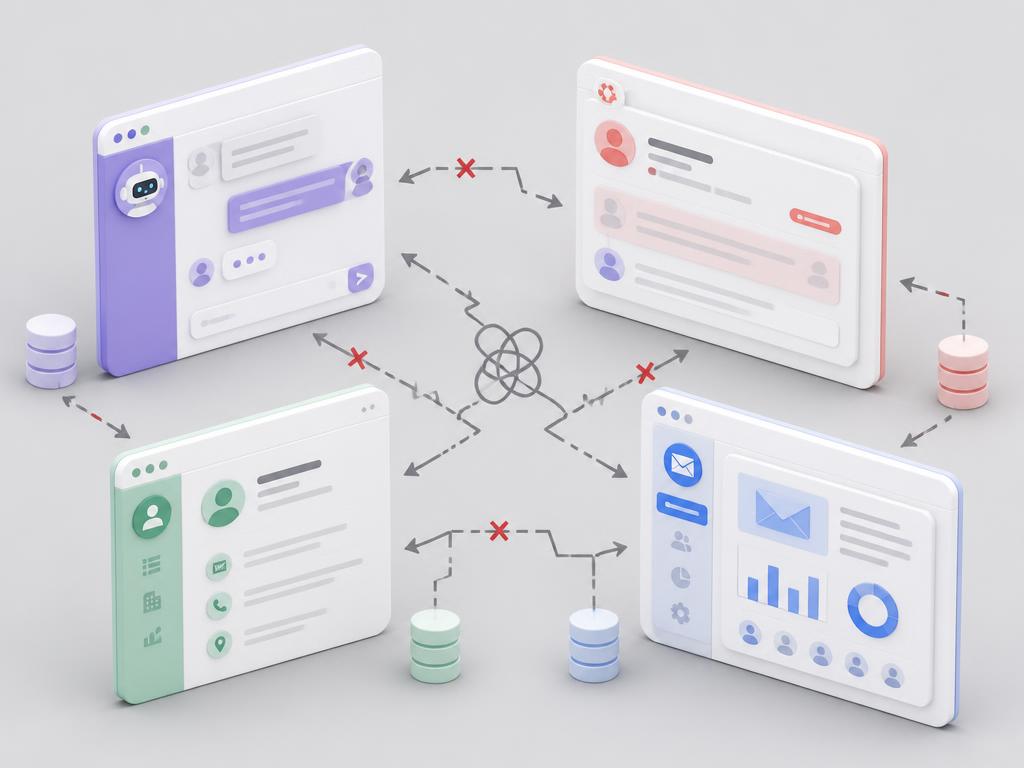
- Helpdesk subscription per agent
- Separate CRM nobody updates
- A broadcast tool with its own contact list
- Chatbot builder that can't see order history
- Spreadsheets to reconcile all of it

- One inbox, unlimited agents
- CRM that writes itself from conversations
- Campaigns built on live segments
- Chatbots with catalog + CRM context
- Analytics across every channel
Everything you need to run WhatsApp at scale.
Forty-plus modules share one contact graph, so a chatbot, a campaign and a sales rep all see the same customer.
Every conversation, every channel, one queue.
Assign, tag, snooze, merge duplicates and hand off between bot and human without losing a single message. Realtime, with delivery and read receipts.
AI Studio
Reply suggestions, thread summaries, sentiment, translation and campaign copy — across Gemini, OpenAI, Anthropic and Groq.
Summarise this thread
Draft a reply
Detect intent
Automations
Trigger-based workflows: welcome messages, tagging, escalation, off-hours auto-reply.
Broadcast campaigns
Approved templates, segmented lists, throttling and per-message delivery reporting.

Analytics
Delivery, read, response and CSAT metrics with team-level performance breakdowns.
Helpdesk & SLA
Tickets, priorities, business hours and breach alerts on top of the same threads.
WhatsApp commerce
Catalog, carts and order updates delivered straight inside the conversation.

Appointments
Bookable pages, reminders and calendar sync — confirmations sent on WhatsApp.
One platform, three jobs to be done.

Sales
Turn chats into a pipeline.
- Deals, stages and forecasts fed by conversations
- Lead capture from click-to-WhatsApp ads
- Follow-up sequences that stop when a reply lands
- Quotes, invoices and payment links in-thread

Support
Resolve faster, with context.
- Tickets, priorities and SLA timers
- Skill-based routing and operator handoff
- Knowledge-base answers grounded in your docs
- CSAT collected right after resolution
Marketing
Campaigns people actually read.
- Segments built from CRM fields and behaviour
- Template management with Meta approval status
- Drip journeys in the visual flow builder
- Per-campaign delivery, read and reply analytics
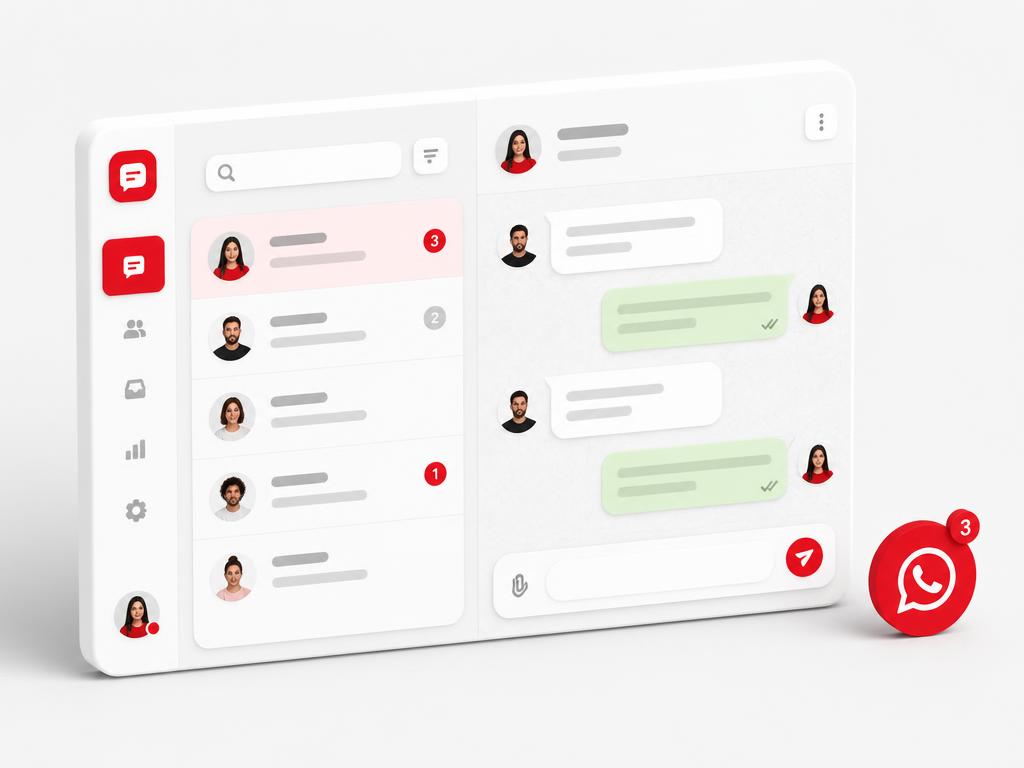
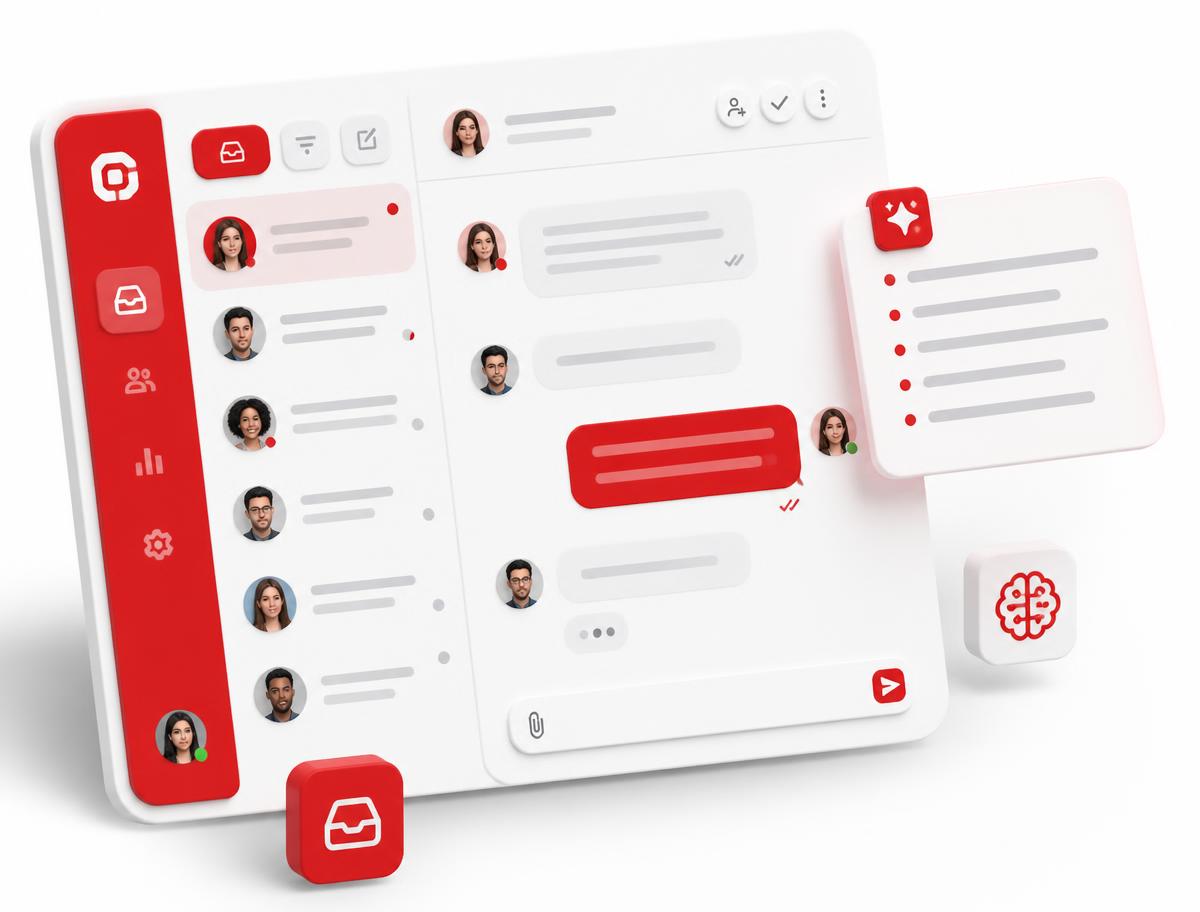
A conversation UI your agents will love.
Realtime updates, assignment routing, AI summaries and inline reply suggestions. Everything a support or sales team needs — nothing they don't.
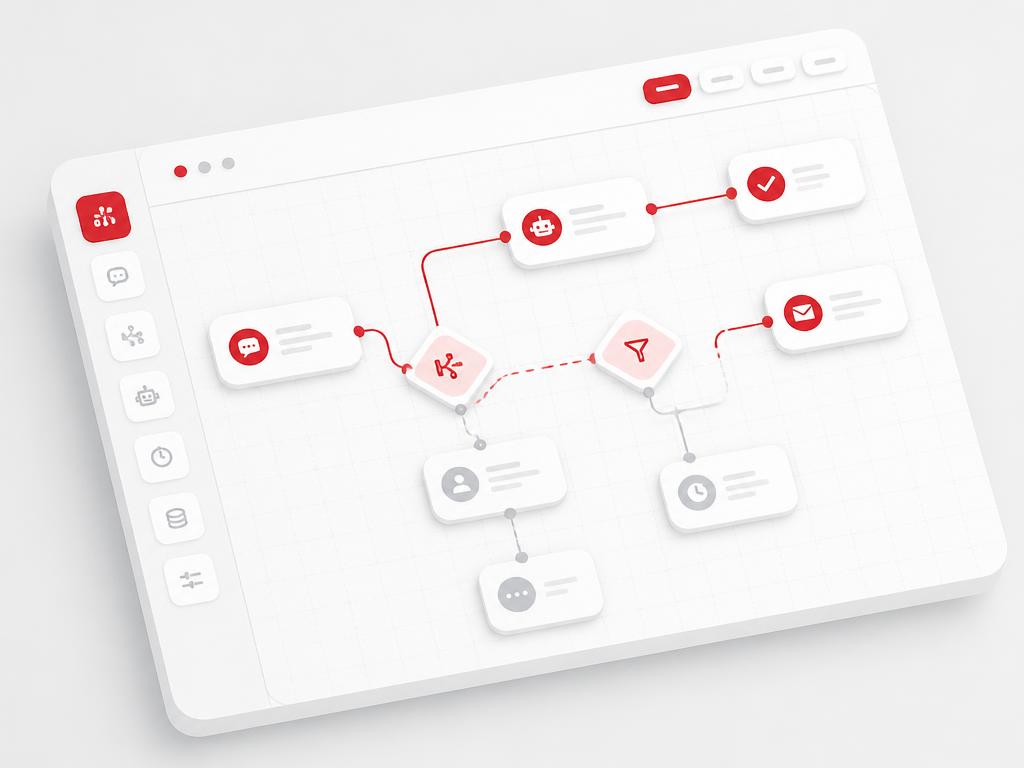
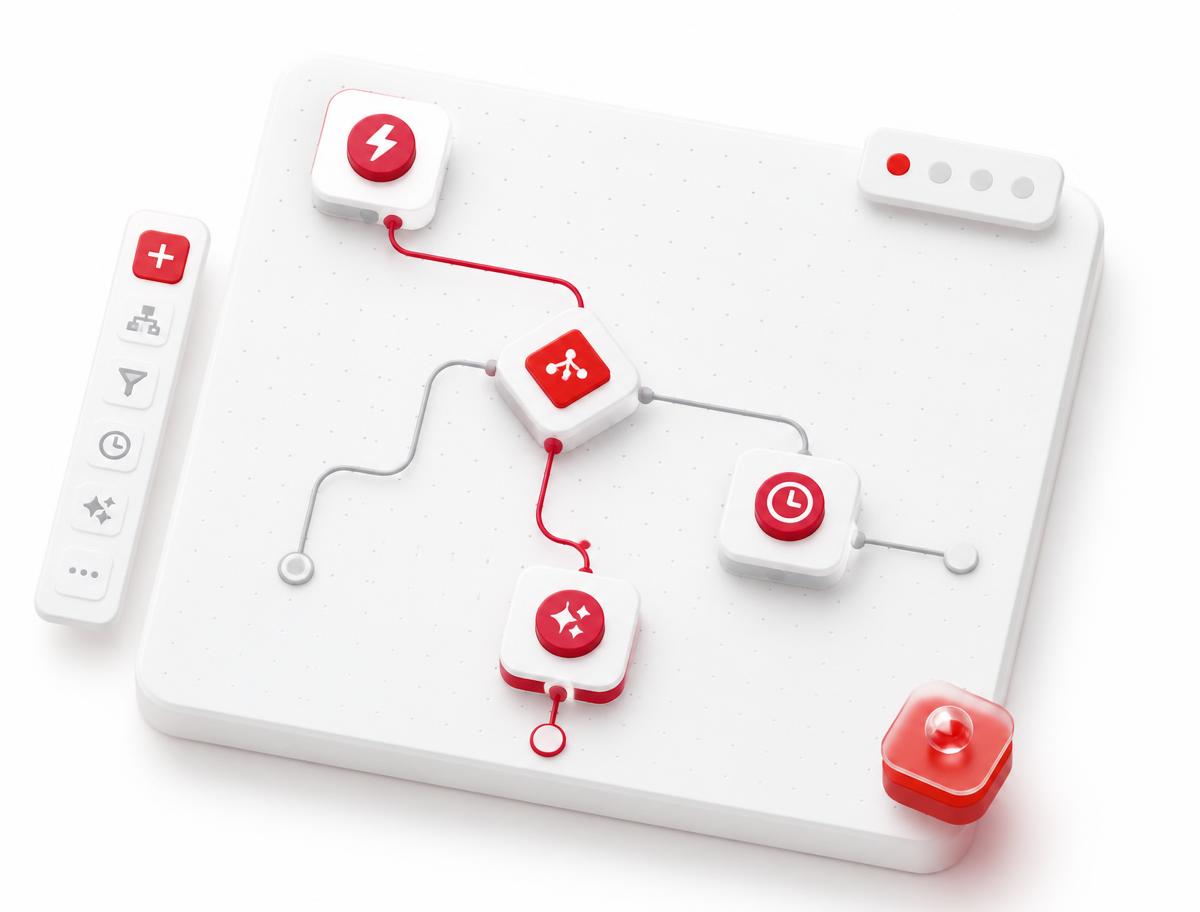
Design chatbots and journeys on a canvas.
Drag triggers, conditions, delays and AI steps into a flow. Multi-language detection, business-hour branches and a clean handoff to a human when the bot is out of depth.
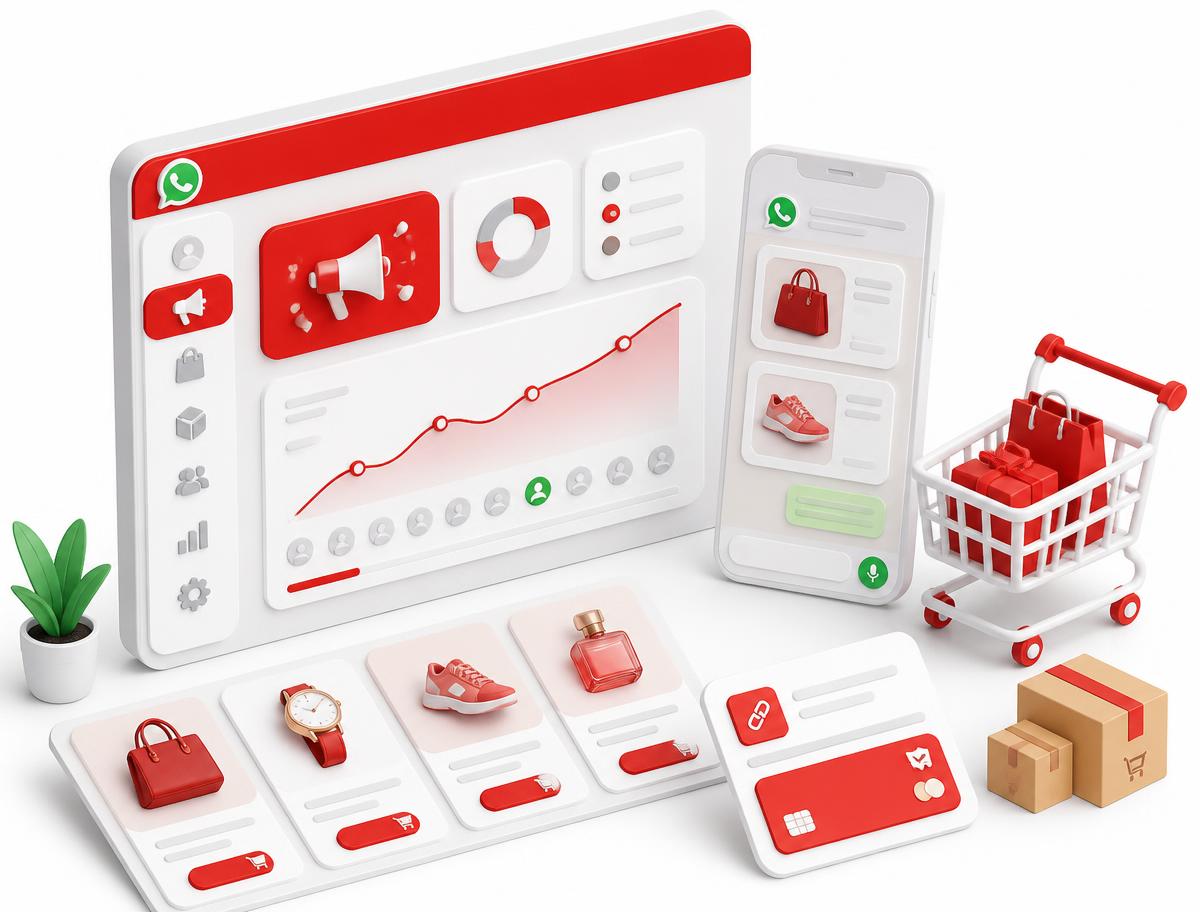
Broadcasts, catalog and commerce in one thread.
Send approved templates to live segments, share your catalog, and take the order without ever leaving WhatsApp. Payment links and order updates go out automatically.
From first message to fully automated revenue.
Smart Inbox
One live queue for every channel — WhatsApp, Instagram, Messenger, Telegram, SMS, Email and Live Chat. Assign, tag, and resolve conversations together.
From zero to shipping in one afternoon.
Install in minutes
Run the guided Setup Wizard. Point it at Postgres, create your Super Admin, and you're live.
Connect WhatsApp
Walk the connection wizard for the official Cloud API — or scan a QR for a personal number.
Bring in your data
Import contacts by CSV, sync your catalog, and let the identity engine merge duplicates.
Automate & scale
Design chatbots, workflows and campaigns visually. AI handles the repetitive replies.
One platform. Seven purpose-built experiences.
Every role gets a tailored surface — from Super Admin control planes to a clean Client Portal.

Super Admin
Tenant management, quotas, feature flags, audit logs, platform-wide announcements and white-label config.

Admin
Workspace, billing, members, integrations.

Manager
Pipelines, campaigns, workflows, teams.

Agent
Inbox, tickets, contacts, deals in scope.

Provider
Bookings, service delivery, client tasks.
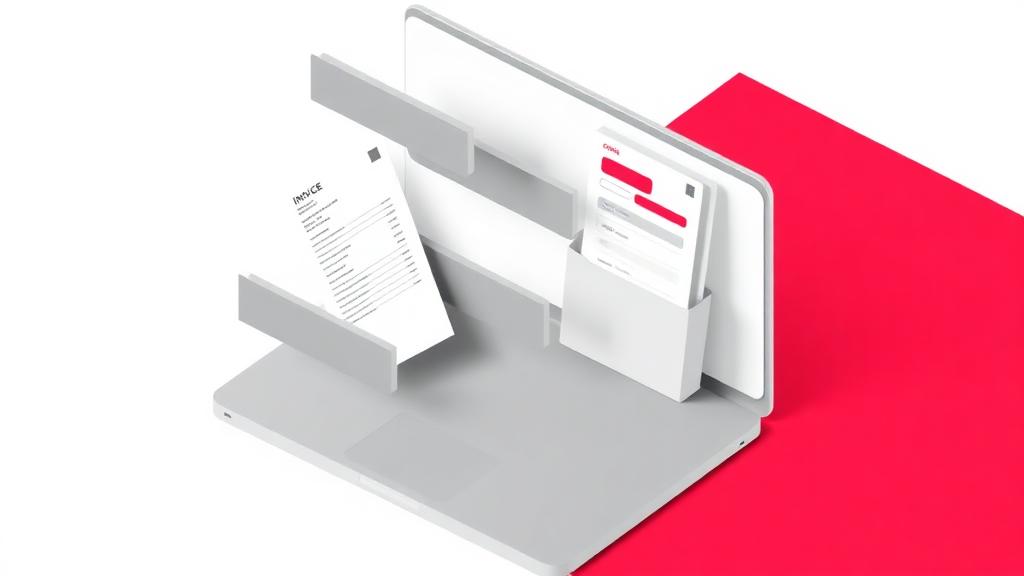
Client Portal
Conversations, invoices, quotes and files — branded to your tenant.

Developer
API keys, webhooks, event streams and custom integrations.
Plug into everything your business already runs on.
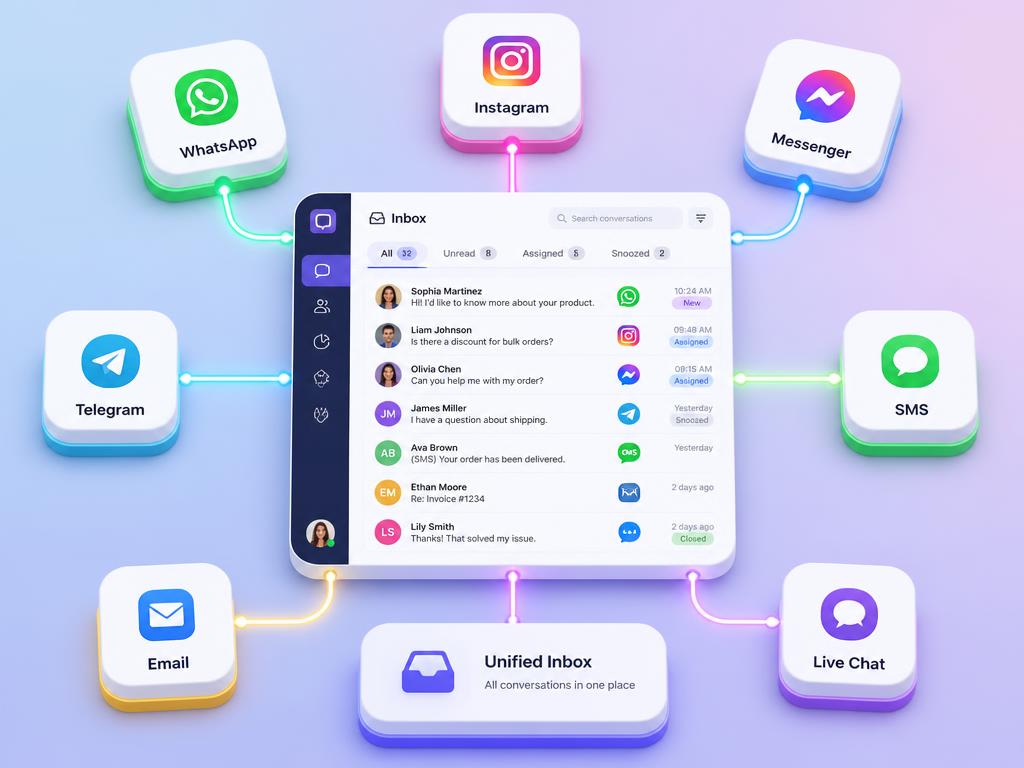
Channels

AI providers
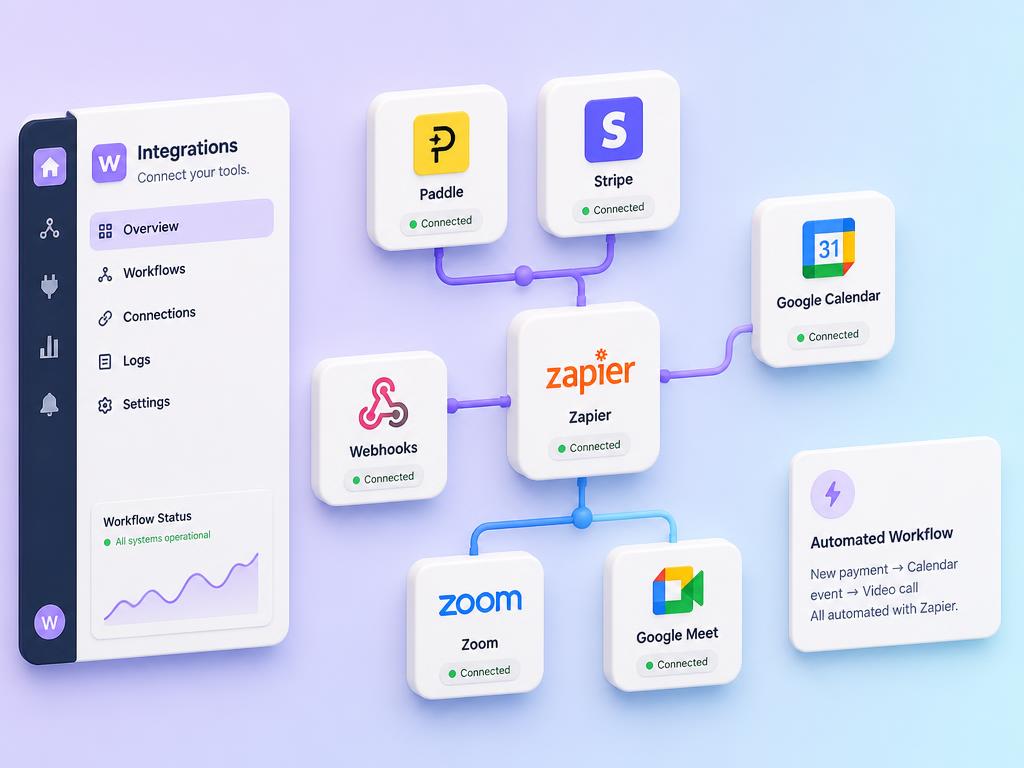
Business
Enterprise controls baked into the schema, not bolted on.
Roles live in a dedicated table and are evaluated by a SECURITY DEFINER function — no recursive RLS, no privilege escalation.
Read the security guide
Row-level security
Every user-scoped table enforced with auth.uid() policies.

2FA & sessions
TOTP, trusted devices, session revocation and login history.
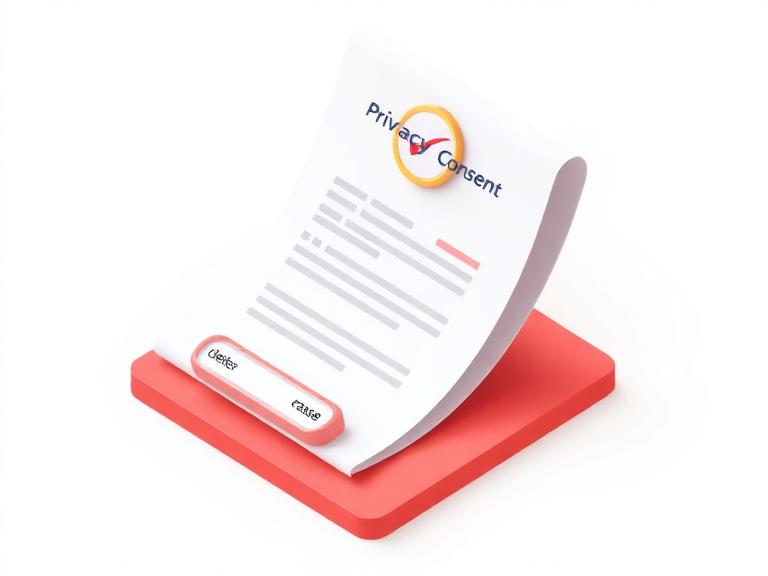
GDPR-ready
Consent records, data export, retention policies, erasure.

Signed webhooks
HMAC-SHA256 with rotating secrets and delivery logs.
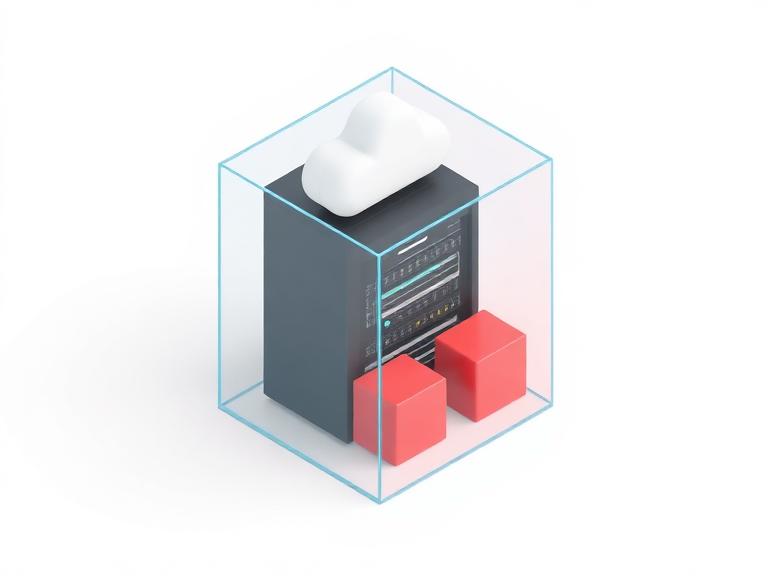
Your infrastructure
Docker, a VPS, or your own cloud — the data never leaves it.

Tenant isolation
Workspace-scoped storage paths and role-scoped policies.
Trusted by teams that live on WhatsApp.
“We replaced three tools with Swiffer in a weekend. The AI reply assistant alone paid for the year.”
“Multi-tenant, self-hosted, and actually documented. My developers stopped fighting Swiffer.”
“The Client Portal is the reason we won our last two enterprise deals. It looks like our product.”
Simple pricing. No per-agent tax.
Every plan includes the full platform — inbox, automations, templates and CRM. You only choose how much volume and how many seats you need.
Answers before you ask.
Search 16 answers or filter by topic. Still curious? The full developer documentation covers every module in depth.
Ship your WhatsApp CRM this week.
Tell us how your team works today and we'll show you the exact setup — inbox, automations and templates — running on your numbers.